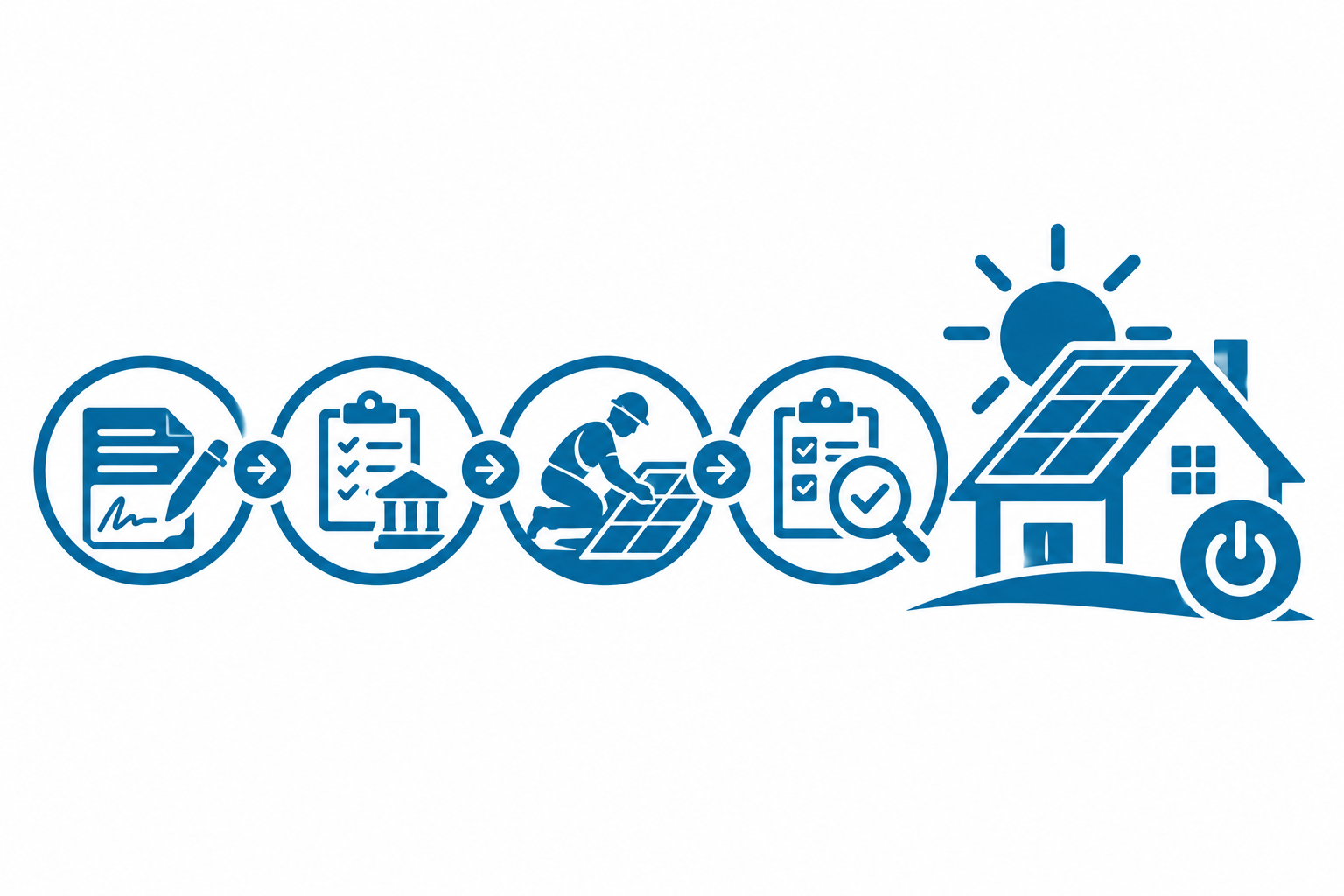
Utility Permission: When the System Can Turn On
The inspector left a green tag on your disconnect. Your monitoring app still shows zero watts. A neighbor asks why your panels are dark while theirs spin backward — and your installer says to wait for the utility. That gap is normal, but only if you know which document actually authorizes production.
Passed Inspection Is Not Permission to Operate
Local inspection confirms the install meets code on your side of the meter: proper labeling, disconnect placement, grounding, and wire sizing. The utility has a separate queue for interconnection review. Until that review closes, exporting power to the grid — or even energizing in some territories — can violate tariff rules.
Homeowners often treat the inspection sticker as the finish line because it is the last visible visit. Coordinators know better: PTO, or permission to operate, is the utility's written OK that your system matches the approved interconnection application.
Meter Swaps and the Visit You Did Not Schedule
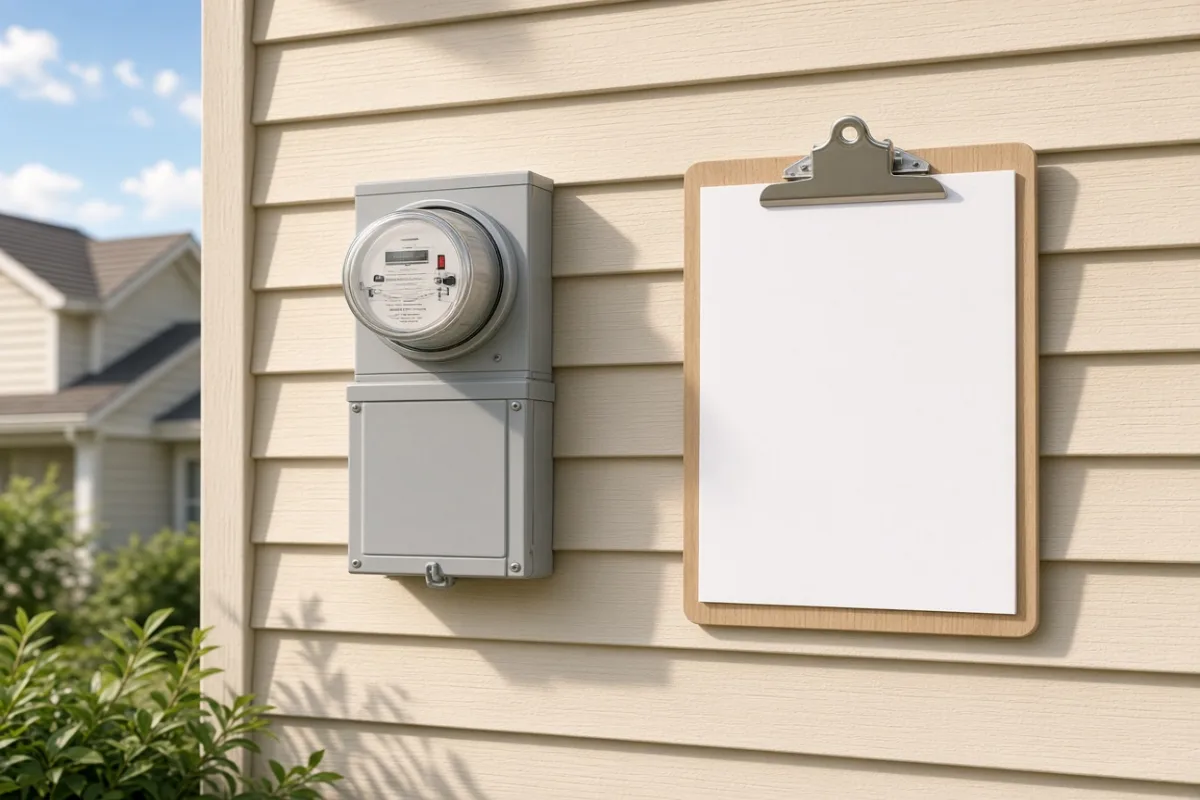
Many utilities require a bidirectional or net meter before production counts toward your account. That swap is not always the same crew that hung panels. It may happen on a window several days after inspection, with no interior access needed — just a truck at the socket and a brief power blip.
- Old meter removed and replaced while the main service is briefly interrupted
- Seal applied and photographed for utility records
- Monitoring may still read offline until firmware syncs after PTO
- Some territories allow limited self-consumption before swap; others do not
If your bill still shows one-way consumption weeks after inspection, ask whether the meter order is pending — not whether the inverter is broken.
The Document That Actually Authorizes Power-On
PTO arrives as email, portal status change, or letter — wording varies by utility. It references your interconnection application number and confirms the system may operate under your tariff. Keep a copy; warranty and incentive paperwork sometimes ask for it later.
Coordinators who communicate well send the PTO notice the same day it hits their inbox. Homeowners who energize the system early often do it the night before that email arrives — not out of impatience, but because nobody explained the sequence. — Utility phase notes, Sunpath Atlas reader surveys
Your installer should energize or walk you through startup after PTO, not before. If they ask you to enable production while status still shows pending interconnection, escalate to the project lead in writing.
Why Energizing the System Early Creates Real Problems
Premature energization can backfeed a grid the utility still treats as isolated. That risks equipment damage, voided warranties, and failed compliance checks that delay PTO further. Monitoring apps showing live watts are not proof the utility has accepted the connection.
- Confirm PTO or equivalent utility authorization in writing
- Verify meter type matches what the interconnection application specified
- Schedule or attend the startup visit with your installer if offered
- Capture a baseline production screenshot once export is authorized
Waiting feels passive, but it protects the handover. The inspection proved the work on your property; PTO proves the grid is ready to receive it.